
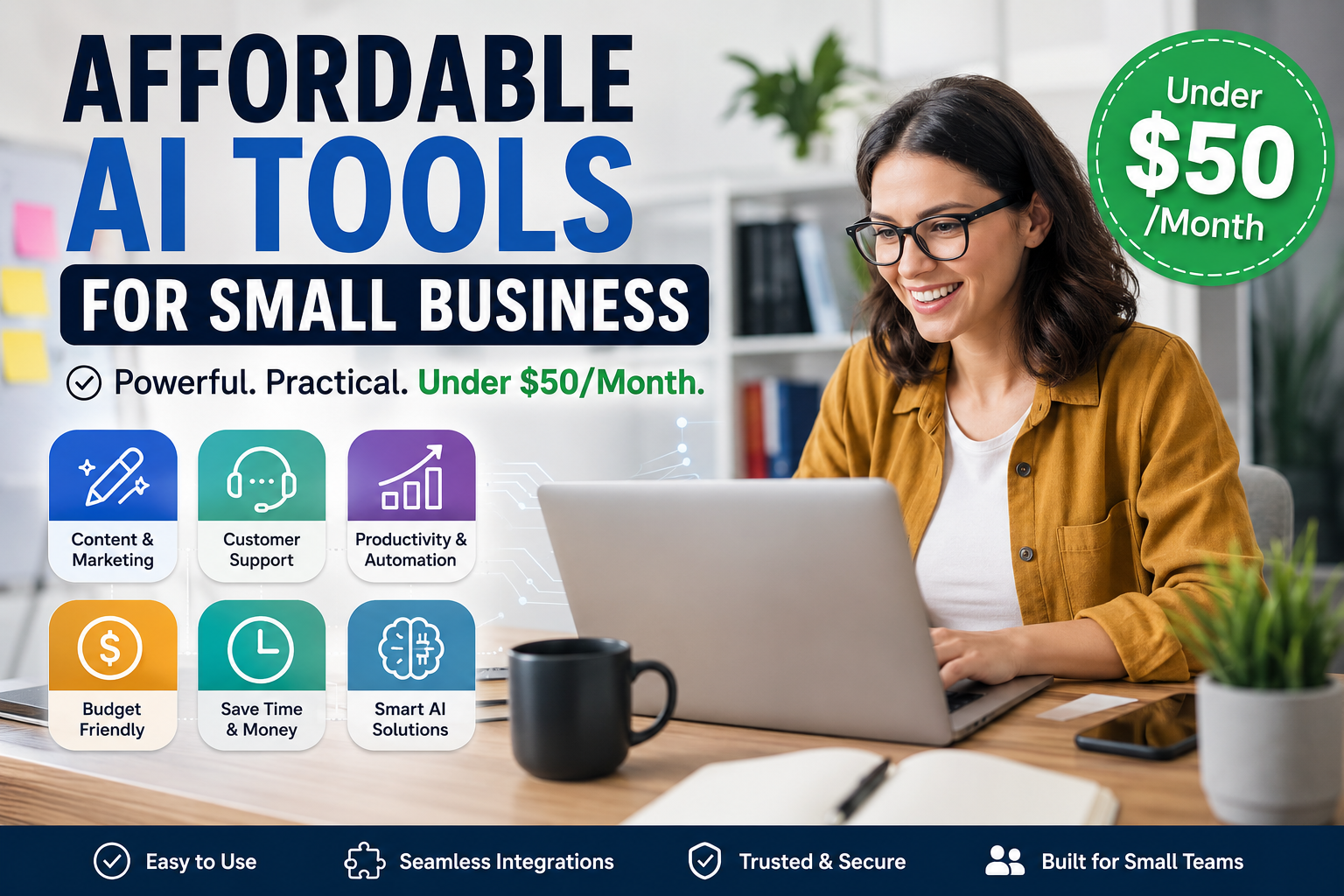
If you run a small business, you’ve probably wondered which AI tools are actually worth paying for and which ones are just hype. The good news is you don’t need an enterprise budget to benefit from affordable AI tools for small business that handle real work, not just party tricks.
This guide walks through specific tools under $50/month that owners and startup teams actually use, what they’re good at, and how to fit them into your day without creating yet another “tool you forget to log into.” You’ll see where AI makes a clear difference and where you can safely skip it for now.
Why low-cost AI tools matter for small budgets
Most owners don’t want more software; they want a few tools that save hours every week without wrecking cash flow. That’s exactly where budget AI tools come in, especially if you’re wearing three different hats before lunch.
Think about all the repetitive work in your week: replying to similar emails, rewriting product descriptions, tagging support tickets, or drafting social posts. Cheap AI software can quietly pick up a big chunk of that work, letting you focus on sales conversations, operations, or actually taking a day off once in a while.
What to look for in affordable AI tools for small business
Price alone doesn’t tell you much. You want tools that are simple to set up, easy for non-technical staff to use, and clearly connected to revenue or saved time. Many AI tools for startups look flashy in demos but fall apart when you plug them into messy real-world processes.
Before you add anything to your stack, be clear about the job you want it to do. A focused AI assistant that writes and repurposes content can be far more valuable than a dozen half-baked features that nobody on your team remembers to open.
Key evaluation criteria under $50/month
To avoid buying software you’ll cancel in three months, judge each option on a few simple criteria. Start with the learning curve: could a new hire figure it out in an afternoon without training videos and long docs?
Next, check integrations, because AI software for SMBs that connects to your CRM, email marketing, or help desk is far more likely to become part of your daily workflow. Make sure support is responsive and the pricing is clear, without surprise add-ons that appear half-way through your first month.
Common pitfalls to avoid
One of the biggest traps is subscribing to AI tools under $50 that sound inexpensive but overlap heavily with tools you already have. Always ask whether a feature already exists somewhere else in your stack before adding a new login.
Another quiet cost is time, not dollars. Low-cost AI tools that require constant tinkering or hand-holding will eat more hours than they save, even if the subscription barely dents your card each month.
Recommended affordable AI software by use case
Let’s get specific and look at where small teams see the fastest wins. Instead of chasing every shiny new option, focus on three core areas: content and marketing, customer support, and internal productivity.
For content and marketing, some affordable AI software will help you brainstorm topics, outline blog posts, draft product descriptions, and rewrite emails in a consistent tone. You still edit for accuracy and brand voice, but you’re no longer starting from a blank page.
Content and marketing helpers
Look for Best AI business tools that plug into the channels you already use daily, like email platforms, your website CMS, or social schedulers. The less copy-pasting you do, the more value you actually get from the subscription.
A good pattern is to use AI for first drafts and repurposing: turning a long article into social snippets, or converting a product feature list into plain-language benefits for customers who don’t speak in jargon.
Customer service and support assistants
Support is often the first area where small teams feel underwater, and this is where small business AI software can quietly shine. AI assistants can suggest replies based on your existing help center or past tickets, so agents spend more time confirming answers and less time typing from scratch.
You’ll still want a human in the loop to approve responses and catch edge cases, especially for billing, legal, or sensitive issues. Start by letting AI handle simple “how do I…” questions, then expand once you’re confident in the quality.
Real examples of AI tools under $50/month
Here’s how some teams are using specific tools without breaking the bank. These are typical price points you’ll see in the under-$50 range, so you can sense what’s realistic rather than chasing headline claims.
For writing help, you might pay for AI tools under $50 that specialize in email drafting, blog post outlines, or landing page copy, while still keeping final approval in-house. Owners often report saving an hour or more per day on repetitive writing without losing control of the message.
Estimating ROI from each subscription
A simple way to judge a subscription is to ask: if this tool disappeared tomorrow, would anyone on the team complain. If not, that’s a sign it’s not earning its keep.
Put hard numbers on it whenever you can. If AI software for SMBs cuts two hours of manual work per week for a team member who costs you $30 per hour, you’re effectively buying back $240 of time each month for far less than that cost.
How to roll out cost-effective AI tools without chaos
Rolling out new software rarely fails because the tool is awful; it fails because nobody owns it. Before you sign up, decide who is responsible for testing, documenting simple workflows, and saying “no” when someone tries to use it for everything.
Start with a pilot phase where a single person or a small pod tries the tool on one narrow workflow, like drafting newsletters or triaging incoming leads. This avoids clutter while still giving you enough usage to tell if it’s truly a set of cost-effective AI tools or just a shiny distraction.
Simple rollout checklist for small teams
It helps to keep a short checklist so every new tool goes through the same basic steps. Begin with a clear use case written in a sentence or two so nobody forgets why you bought it.
Next, choose a single owner, set a review date 30 days out, and write down exactly which metric should move, like fewer support tickets waiting, shorter email drafting time, or more consistent follow-ups.
Choosing the right mix of affordable AI tools for your business
Picking tools isn’t about copying someone else’s stack; it’s about matching your real bottlenecks with the right low-cost AI tools so your team can breathe a little. A local retail shop will need very different help than a B2B agency or a fast-moving online store.
As you compare options, keep a shortlist and be honest about what you’ll actually use. For example, a small shop might prioritize budget AI tools for social content and basic analytics, while a growing agency might care more about drafting proposals and organizing client research.
If your work is heavily online, AI software for SMBs that integrates with your website, CRM, or ad platforms can pay for itself faster than a generic writing assistant. On the other hand, if most of your value is delivered face to face, focus more on tools that shorten admin and back-office tasks.
Teams watching every dollar often do better with one or two reliable AI business tools rather than a patchwork of free trials that never get used properly. It’s completely fine to cancel and swap tools every few months as your needs shift, as long as you’re deliberate about why.
Owners who stay patient, test in small steps, and track actual outcomes usually end up with a tight, effective toolkit that matches how they already work, not how a software vendor thinks they should work.
The bottom line on affordable AI tools for small business
AI doesn’t have to be complicated or expensive to be useful. A handful of well-chosen, affordable AI tools for small business can quietly handle admin, content, and simple support while you focus on customers and revenue.
Pick one use case, try a tool under $50 for a month, and be ruthless about keeping only what clearly saves time or helps you sell more. If you want help comparing options and building a lean stack that fits your size and budget, Ai Buyer Guide is a smart place to start.